New Google Icons Style 2026 - in Icon Packs.
Faster Than the Giant: How I Shipped Google's 2026 Icon Style Before the Official Release
How early leaks inspired a massive update for popular Android icon packs—and why my users got a taste of the future before everyone else.
Introduction
Just recently, Google officially announced a global redesign of its Workspace icons (Gmail, Drive, Calendar, Docs, and more), signaling a transition to the visual "Gemini Era". The company's designers moved away from rigid four-color constraints to soft, vibrant gradients and more distinct shapes.
But for users of my icon packs, this is old news.
As a designer, the moment the first high-quality leaks of Google's projected 2026 style surfaced online, I knew this was a trend users wanted immediately. Instead of waiting for Google's slow server-side rollouts, I took those concepts, redrew them from scratch, and released updates to my icon packs on Google Play before they even started appearing on smartphones officially!
Let's look at how the new Google style unfolds across the different design directions of my collections.
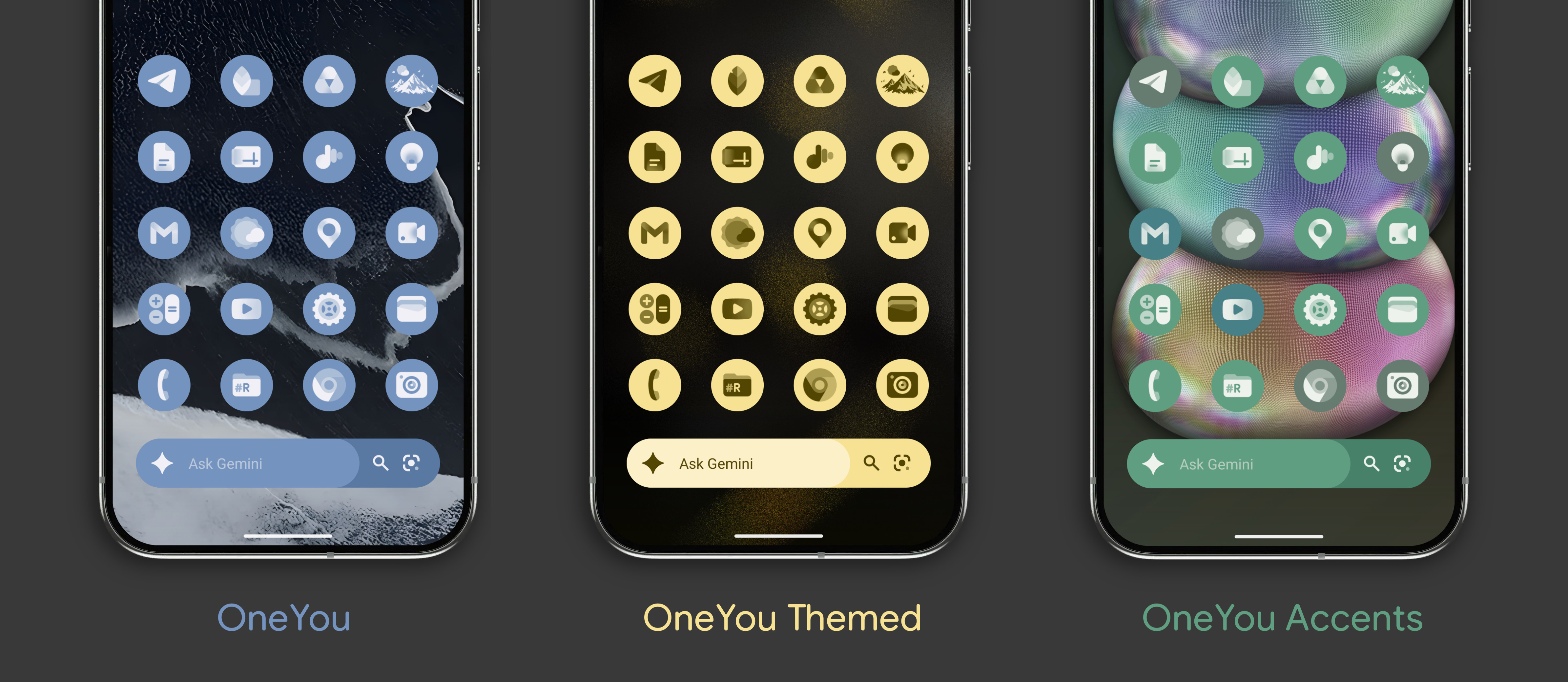
1. Seamless System Integration: OneYou, OneYou Themed, & OneYou Three Accent
The Vibe: Complete harmony with Android’s Monet dynamic coloring system.
The Details: These packs were the very first to get the 2026-style redraws. They adapt on the fly based on your current wallpaper.
OneYou aligns perfectly with Samsung's One UI MaterialYou color palette (with Light/Dark mode).
OneYou Themed shifts according to stock Pixel MaterialYou color palette (with Light/Dark mode).
OneYou Three Accent offers unique support for three active dynamic accent colors for unmatched customization.
 👉 Get OneYou on Google Play | Get OneYou Themed | Get OneYou Three Accent
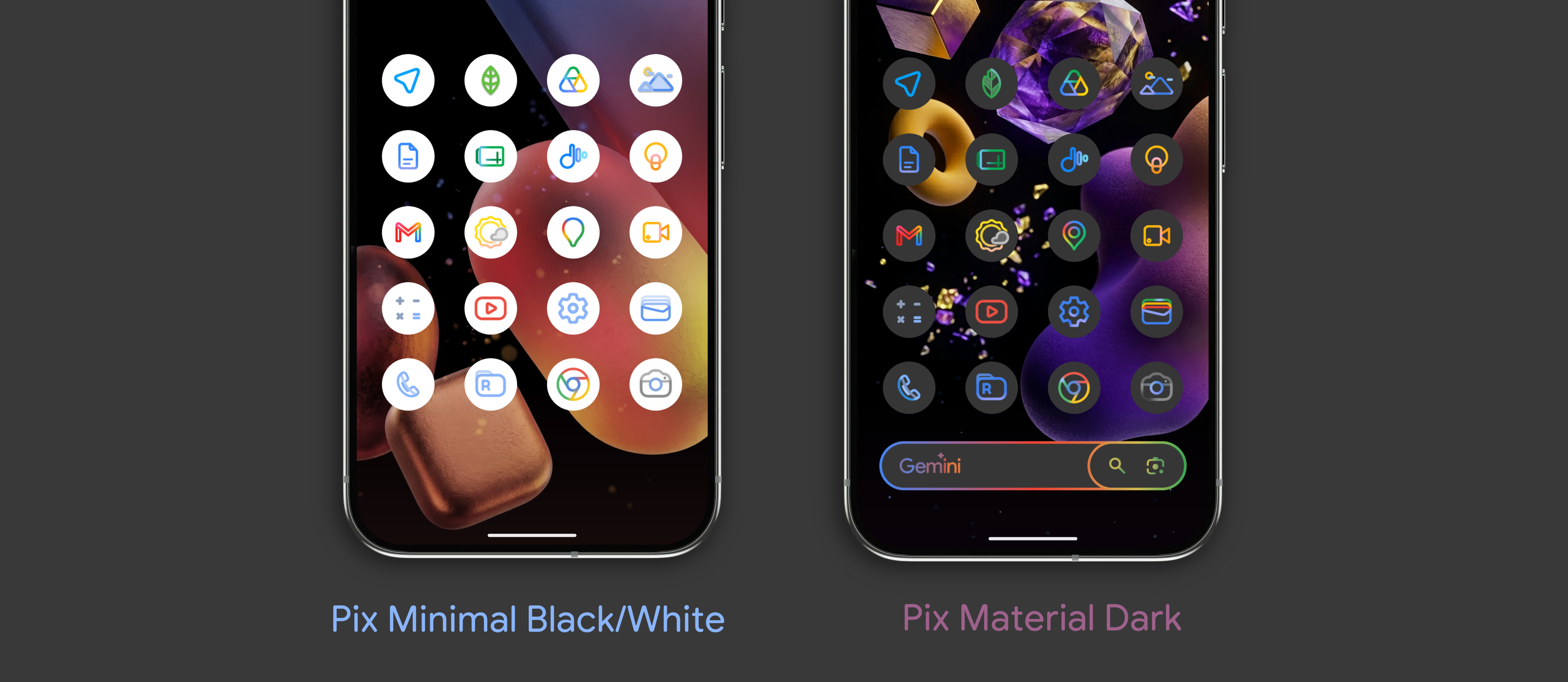
2. Sharp Minimalism: Pix-Minimal & Pix Material Dark
The Vibe: Clean, distraction-free outline designs.
The Details: I adapted the geometry of Google’s redesigned logos into clean, high-contrast outlines.
Pix Material Dark offers color line versions that contrast stunningly against dark backgrounds, creating the effect of a neat, futuristic interface.
Pix-Minimal Black/White these are the same colored linear icons, but on a background that changes from white to black depending on the device theme (with Light/Dark mode).
 👉 Get Pix-Minimal on Google Play | Get Pix Material Dark
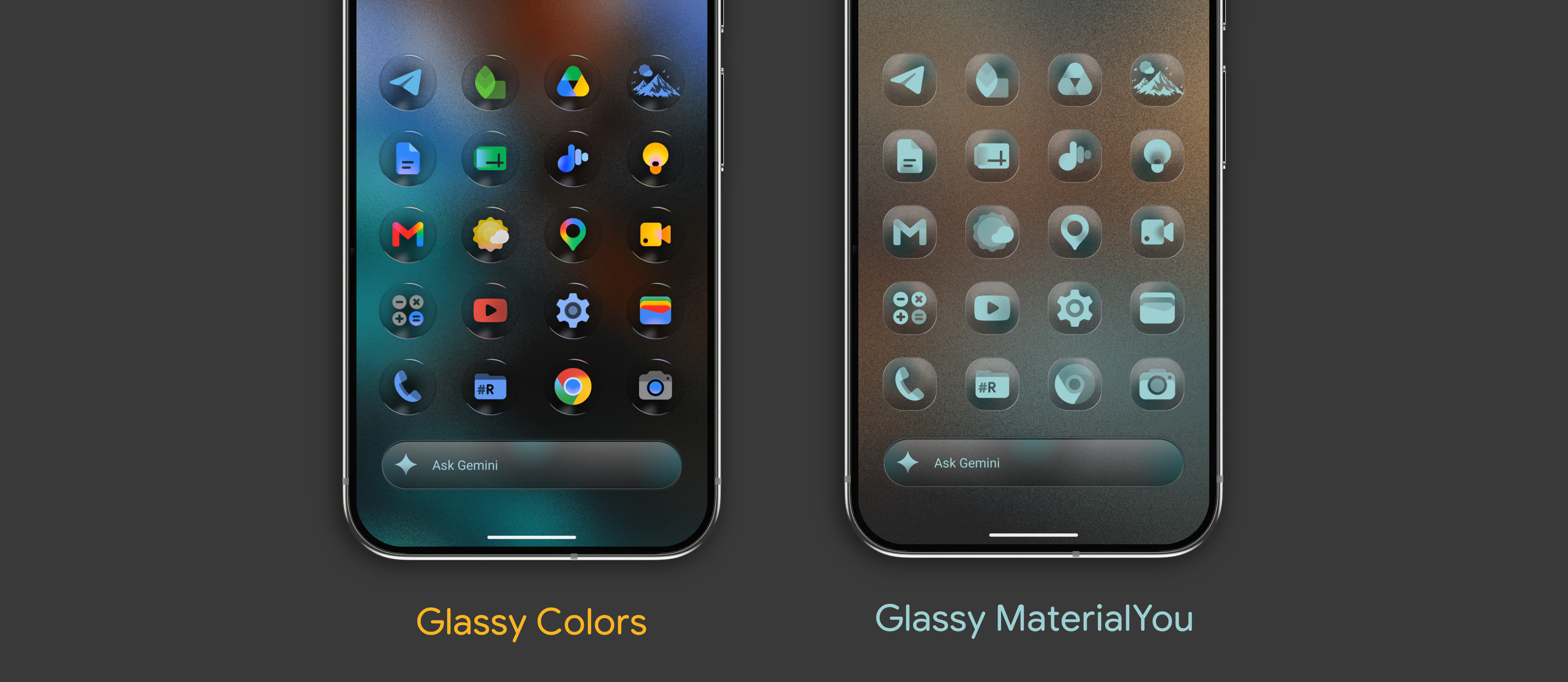
3. Tactile Depth: Glassy Colors
The Vibe: Premium, translucent, and layered.
The Details: Why keep things flat? In Glassy Colors, I applied Google's new gradient language onto semi-transparent 3D glass-like cards with realistic light refraction. It brings a physical, modern depth to otherwise flat interface designs.
 👉 Get Glassy Colors on Google Play | Get Glassy MaterialYou
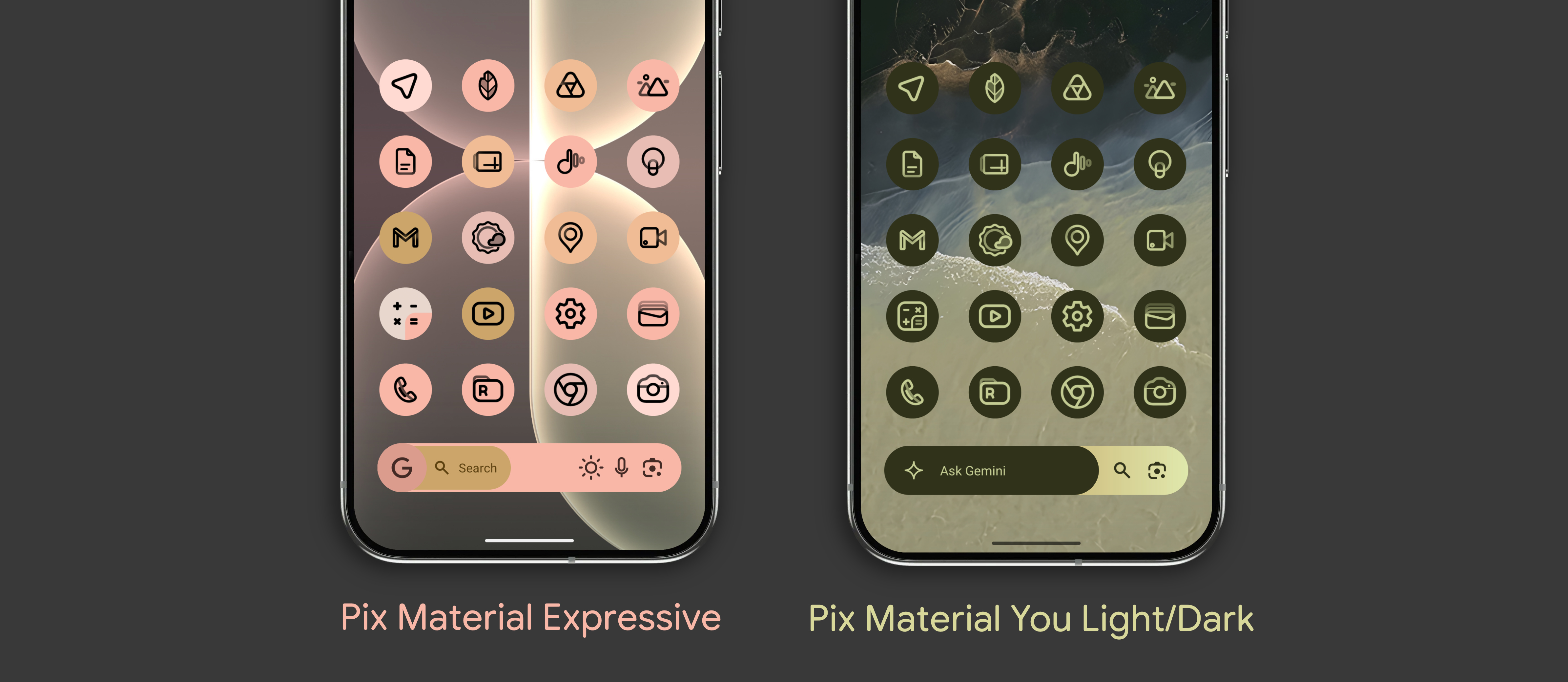
4. Dynamic Material You: Pix Material Expressive & Pix Material You Light/Dark
The Vibe: Sleek monochrome aesthetics with maximum flexibility.
The Details:
Pix Material Expressive goes beyond the standard Monet palettes, adding additional expressive accent colors to bring monochrome screens to life.
Pix Material You Light/Dark automatically toggles between light and dark themes based on your Android system settings, maintaining Google's updated look seamlessly.
 👉 Get Pix Material Expressive | Get Pix Material You Light/Dark
5. The Crown Jewel: PixChroma (Linear Gradient)
The Vibe: My ultimate tribute to the 2026 Google design language.
The Details: PixChroma was designed specifically with Google's new icons in mind—bright linear icons in a variety of colors with gradients.
Additionally, PixChroma comes with minimalist search bar widgets inspired by Google's Gemini and a custom clock.
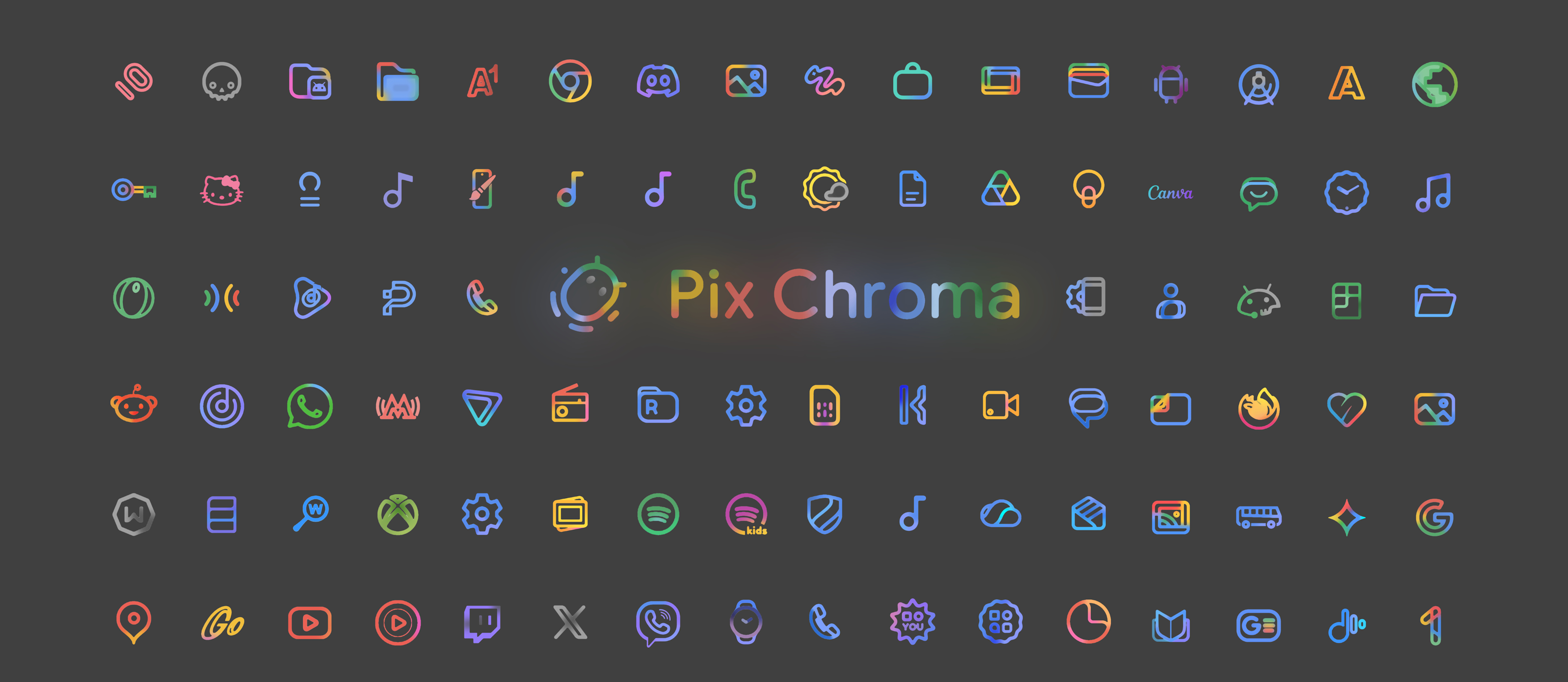
👉 Get PixChroma on Google Play
Conclusion
While Google is still rolling out new icons to the general public, you don't have to wait to update your smartphone. Step into the future of Android personalization today. Each icon pack has its own style, color, and includes over 27,000 icons and a variety of modern widgets (see description).
The entire updated collection is available and ready to install on your device in my developer profile. The remaining icon packs will also receive updates soon.